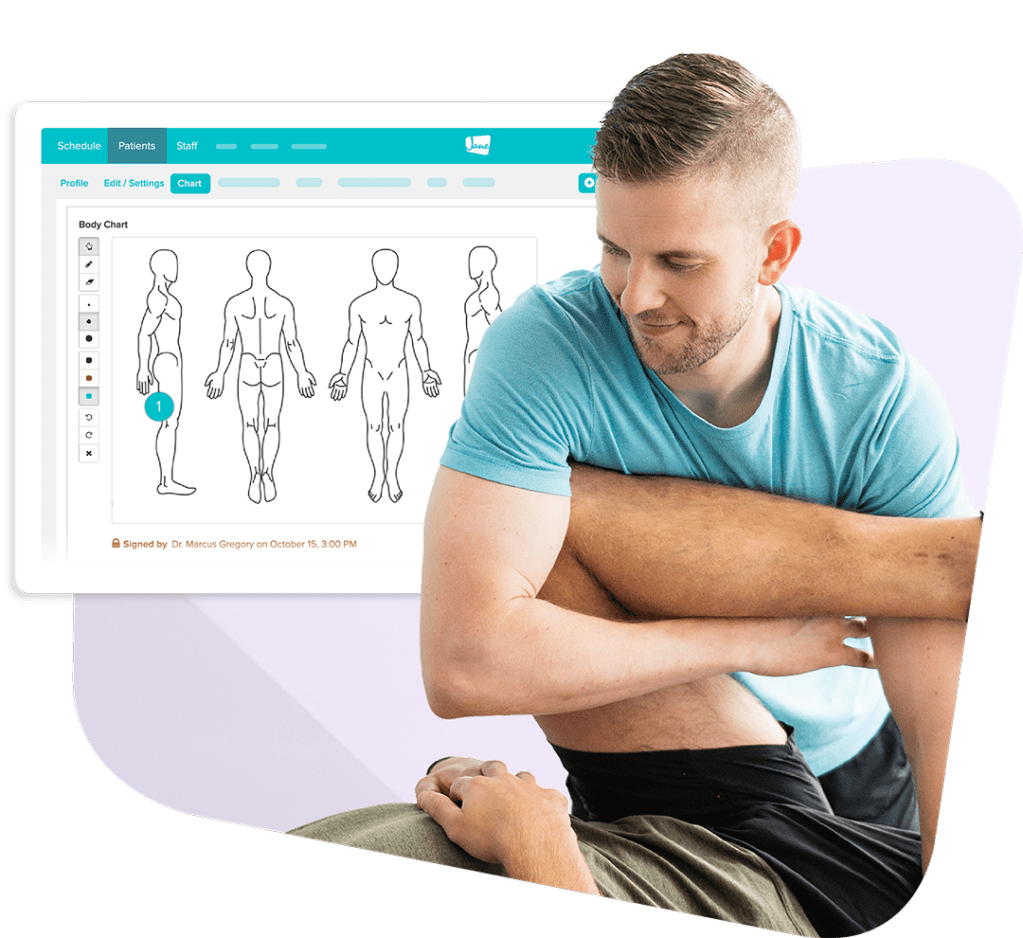
Clinical Documentation
Manage your documentation your way
Customizable charting, forms, surveys, and optional AI support that adapt to your discipline, your style, and your team.
Overview
Your charting should match the way you work
Every practice has its own rhythm. Jane gives you the tools to document care in your own style and keeps everything organized across visits and your team.
Here’s what sets Jane’s documentation apart:
- Flexible templates you can customize to match how you practice
- Efficient charting with custom phrases, fields, and optional AI support
- Notes, forms, and surveys synced with individual patient records
- Built-in workflows for clear supervision, sign-off, and compliance
Benefits
Smart documentation that supports your style of care
No two practices handle documentation the same way. Jane gives you the flexibility to chart in your own style while keeping notes, forms, surveys, and treatment plans synced and up to date in a comprehensive patient record.
Flexible
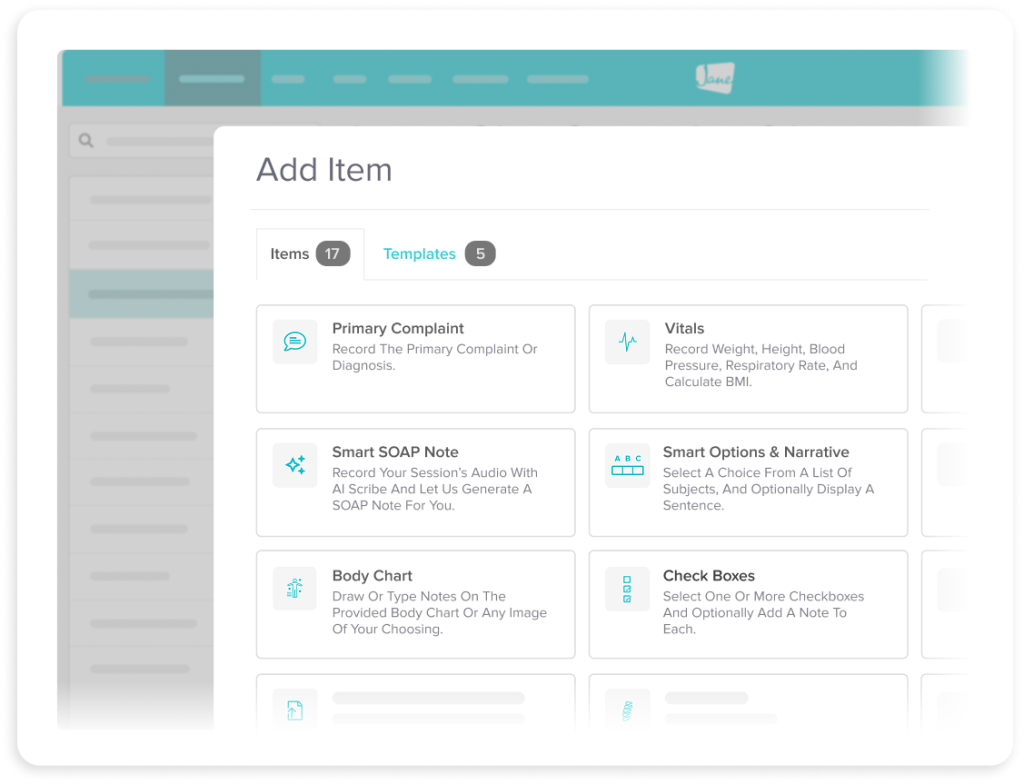
Customize your documentation style
Jane adapts to the work you do and the language you use. Build your own chart format, use SOAP notes, or choose from our community library of more than 1,000 custom templates.
- Customize templates to match your clinical approach
- Use saved phrases and smart fields to chart in your own style
- Duplicate previous entries or pin them for quick reference
Care History
Ground clinical decisions in context
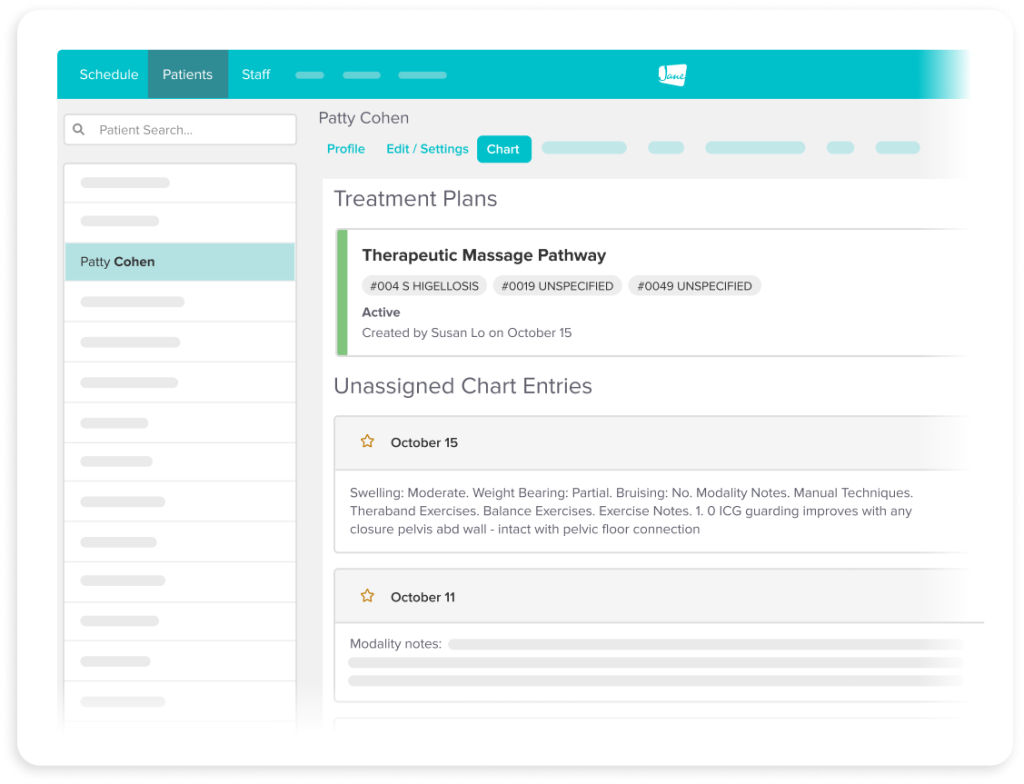
Each new chart you write adds to the clinical record for your patient. Jane helps you see history, progress, and clinical decisions clearly so context doesn’t get lost between visits.
- Get access to your patient’s full history of care at every visit
- Track progress across individual visits and care plans
- US clinics can add CPT and diagnosis codes directly into chart notes

AI Automation
Focus on care while AI handles notes
Jane’s optional AI Scribe feature automatically generates accurate notes during your sessions without distracting you from providing care. Just record, review, edit, and sign.
- Record a session or dictate findings to auto-format a detailed note
- Review your note and make any necessary edits before signing
- Use AI Scribe within your existing templates or a default format
- Choose to securely store or permanently delete recordings
Compliance
Feel confident about compliance
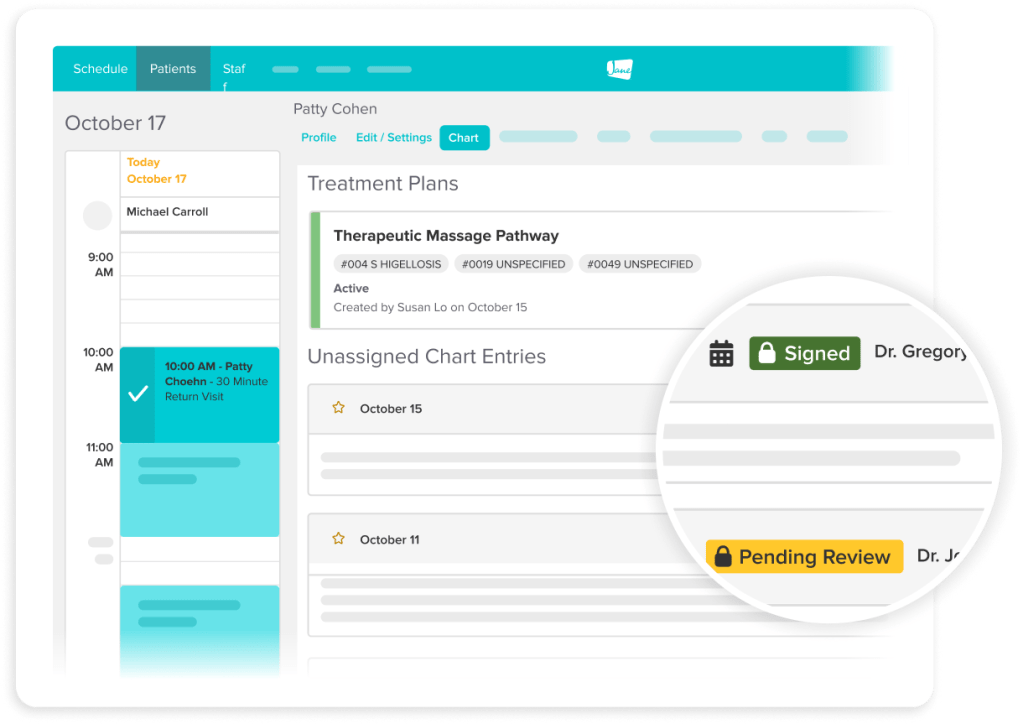
Get peace of mind knowing your documentation is compliant. Jane is designed to help you meet professional and regulatory requirements without adding complexity to your workload.
- Use supervision workflows to review, share feedback, and co-sign notes
- Maintain detailed audit trails with timestamps and signatures
- Control access with flexible, permission-based privacy settings
- HIPAA & PIPEDA-compliance built right in
Intake & Consent
Walk into every session prepared
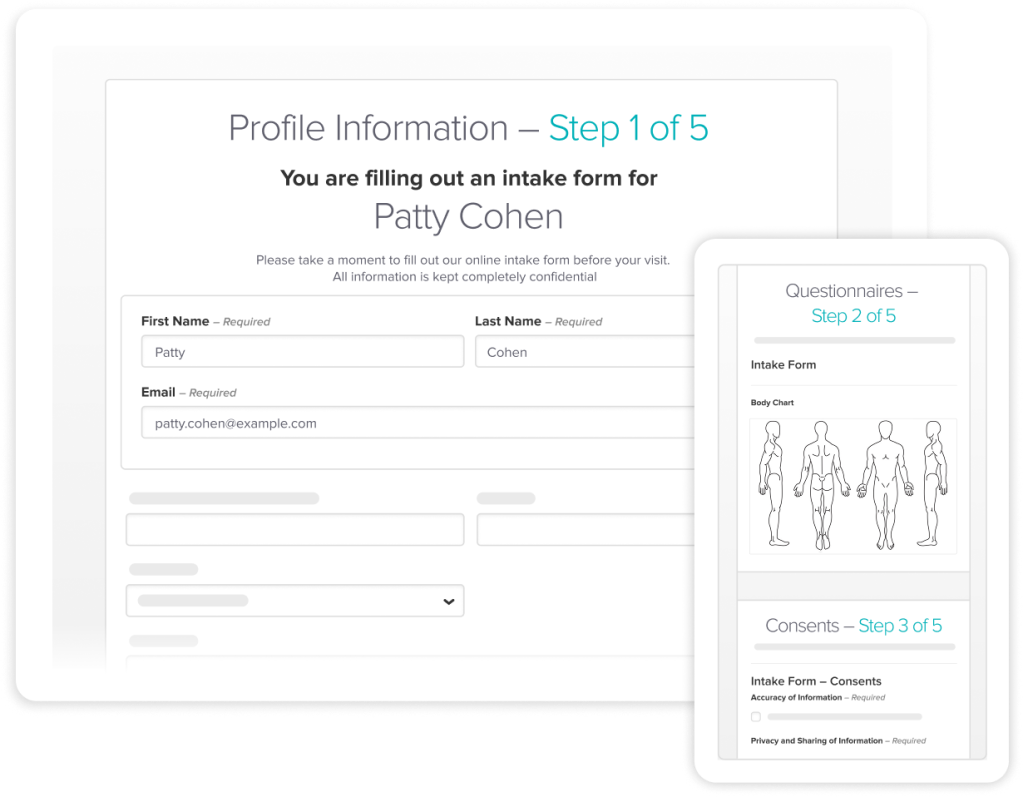
Health information from your patients’ intake and consent forms are added to their charts before the first appointment, so you walk into every session fully prepared.
- Include intake forms in your booking confirmation emails
- Capture and record patient consent ahead of time
- Save intake and consent forms directly to your patient charts
Connected Workflows
Do more than documentation
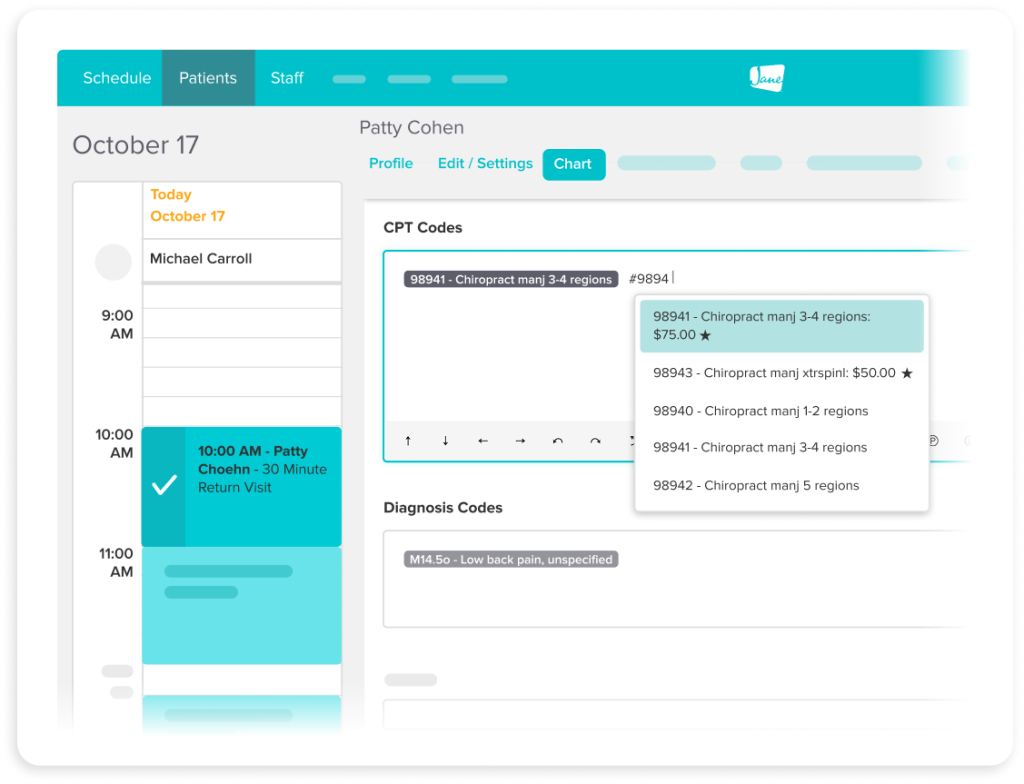
Clinics in the US can add diagnosis and billing codes directly in the chart so they carry through to the claim without extra work. No entering details twice or switching between screens.
- Sync billing codes between your patient charts and claims
- Use hotkeys to add a specific code or access your entire code list
- Reorder, adjust units, and select codes right from the patient chart
Testimonials
Loved by 240k+ practitioners
We built Jane to ease the admin load, and practitioners have noticed. With a 4.8-star rating on Capterra and 450+ reviews, Jane is trusted by clinics like yours every day.



Resources
Access thoughtful resources for managing your practice

Tutorial
3 Workflows to Get You Started with Jane
A practical intro to how Jane connects your core workflows like booking, charting, and billing, so nothing falls through the cracks.
Article
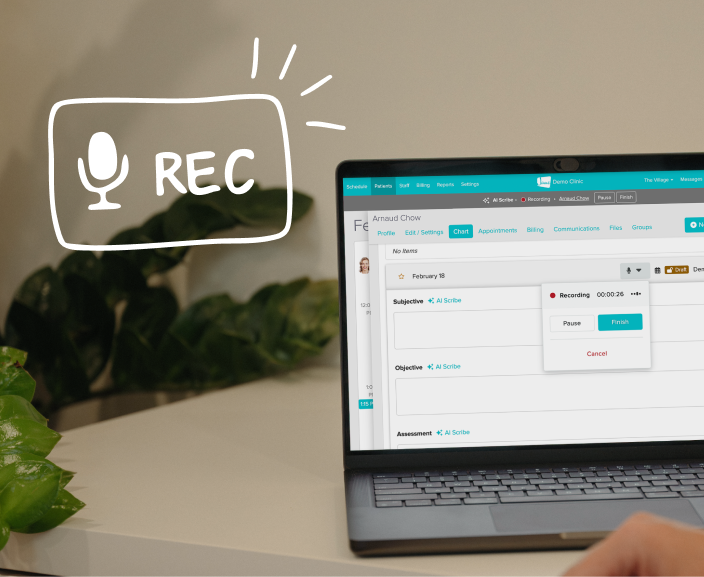
SOAP Notes: How to Spend Less Time Charting with Jane and AI
Learn how to save time on clinical documentation with Jane’s AI Scribe, note templates, and charting tools.

Guide
Chart Template Library
Explore charting templates and tips to help you document confidently as you move to electronic charts.
Why Jane
Designed for the way you provide care

Less admin, more time
Jane’s all-in-one, easy-to-use software reduces admin so you can focus on doing your most impactful work.
Flexible by design
We know every practice is different. Jane was built to meet the unique and changing needs of your business.

Better patient experiences
Jane makes it easy for patients to keep up with their care, creating great experiences time and time again.

Helpful human support
When you join Jane, you get an expert team and community of helpful people committed to your clinic’s success.
Frequently asked questions
Jane supports SOAP, narrative, and hybrid charting, with more than 1000 templates you can customize to match your discipline and clinical approach.
Chart notes, intake forms, consent forms, and outcome surveys all live within a single patient record, so clinical context stays connected across the full picture of a patient's care.
Completely optional. You can use Jane's documentation tools with or without AI Scribe, depending on what works best for your practice.
Every AI-generated note is reviewed, edited, and signed off by you before it's saved to the patient record.
Jane's permission-based access lets you control which staff members can view, edit, or sign documentation.
Jane supports supervision workflows directly within the chart, including the ability to leave feedback, co-sign notes, and maintain audit trails.
Jane gives you a running view of patient progress across visits, through chart history, outcome measure surveys, and care plans.
Every feature in Jane is designed to be HIPAA and PEPIDA-compliant. Documentation includes secure logins, access controls, timestamps, and audit trails to meet privacy and compliance requirements.
Jane is built for a wide range of health and wellness practices, from solo practitioners to multi-discipline clinics, with tools that adapt to different workflows.
Your records are yours. You can access and export your documentation if you choose to move on from Jane.

Get Started
Run your practice with Jane
Ready to make the day-to-day feel easier? Jane is here to help.