Telehealth
Provide safe and accessible virtual care
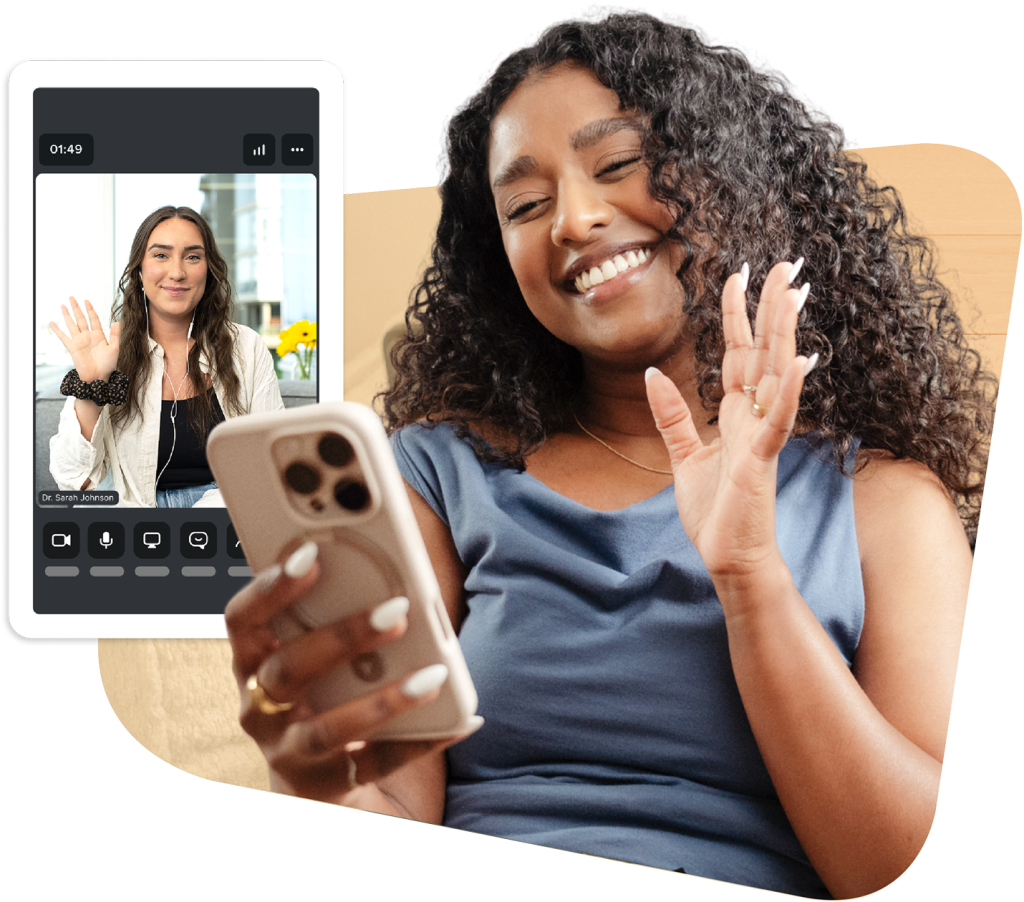
Host secure video appointments right from your Jane account, with every session automatically connected to your schedule, charting, and billing.
OVERVIEW
Telehealth that’s built into the way you work
With Jane, telehealth is built into the same system you already use to run your practice, so virtual visits feel familiar, manageable, and easy.
Here’s what sets Jane’s telehealth apart:
- 1:1 telehealth included with your Jane account at no extra cost
- Automatically connects to scheduling, charting, and billing
- Individual, couple, and family group sessions (up to 15 participants)
- Encrypted and compliant with HIPAA, PIPEDA, and GDPR
Benefits
Meet patients where they are with secure telehealth
Go beyond in-person care with telehealth designed to ease your admin, protect patient trust, and help you deliver new forms of care without changing your existing workflows.
All IN ONE PLACE
Connect to the tools you already use
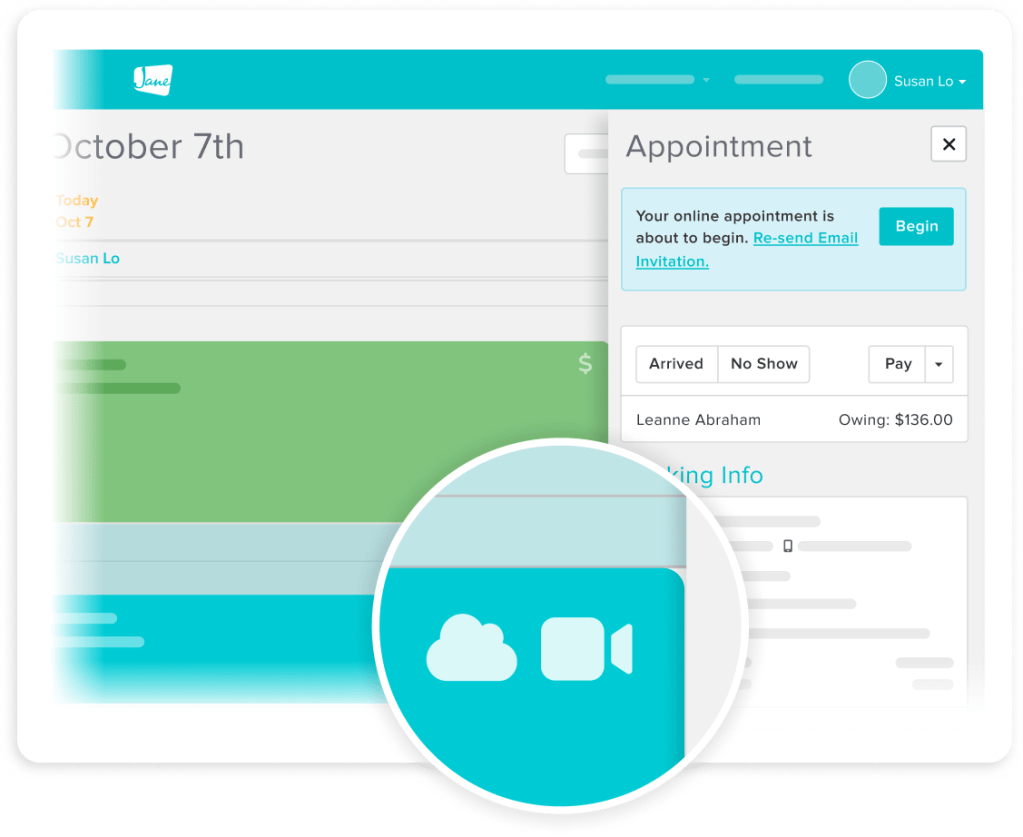
Because telehealth is built right into Jane, it’s already connected to your workflows. No re-entering information. No switching between tools.
- Schedule telehealth and in-person visits on the same calendar
- Automatically chart and bill directly from the appointment record
- Keep track of both telehealth and in-person visits in one patient file

Easy for patients
Make it easy for patients to access care
Patients join from a link in their appointment reminder, via their mobile app, or patient portal. No downloads, no setup, and no extra steps that might keep them from showing up.
- One secure link automatically generated for every appointment
- Access appointments from desktop, mobile, or tablet
- No extra setup required for you or your patients
Virtual tools
Ensure more meaningful conversations
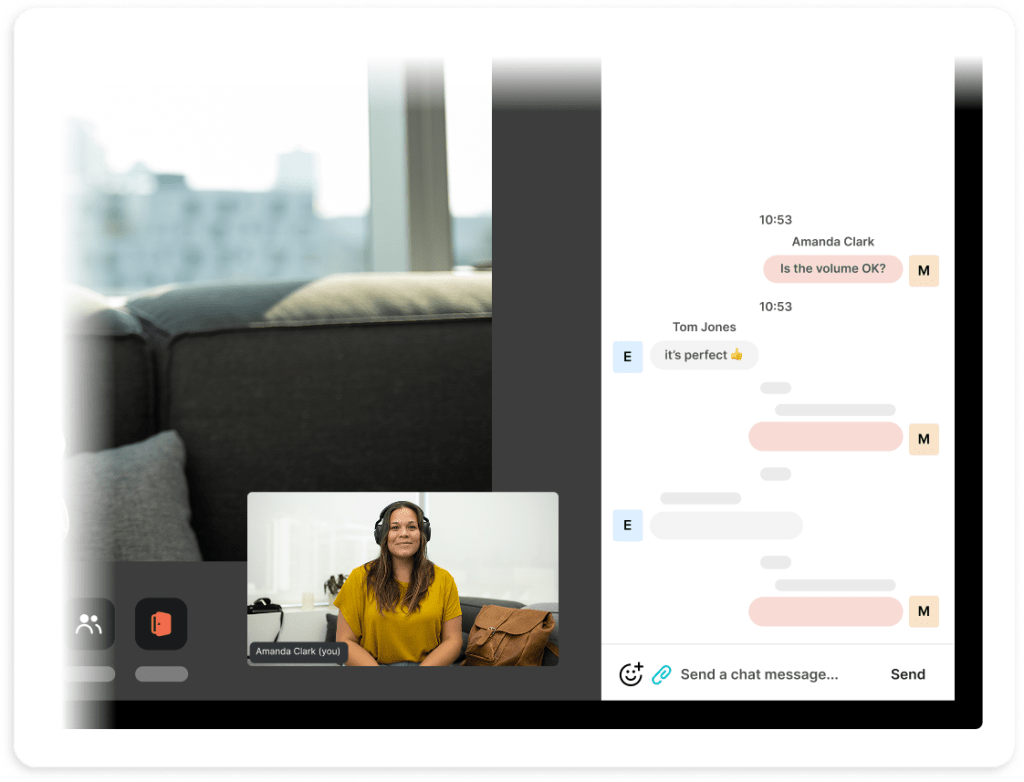
Jane gives you practical tools to manage your virtual sessions, share resources with your patients, and stay in control of how every appointment runs.
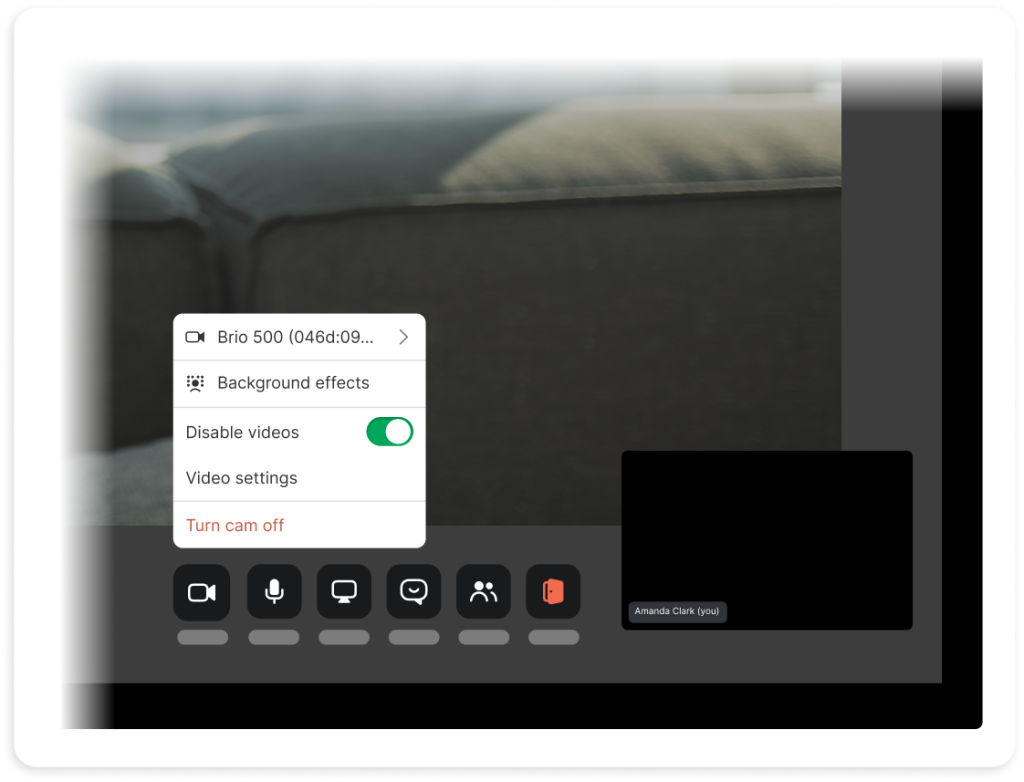
- Control appointment start times with a virtual waiting room
- Unlimited sessions and no monthly time limits
- Securely share your screen or use the chat to send resources
Flexible functionality
Provide individual and family sessions
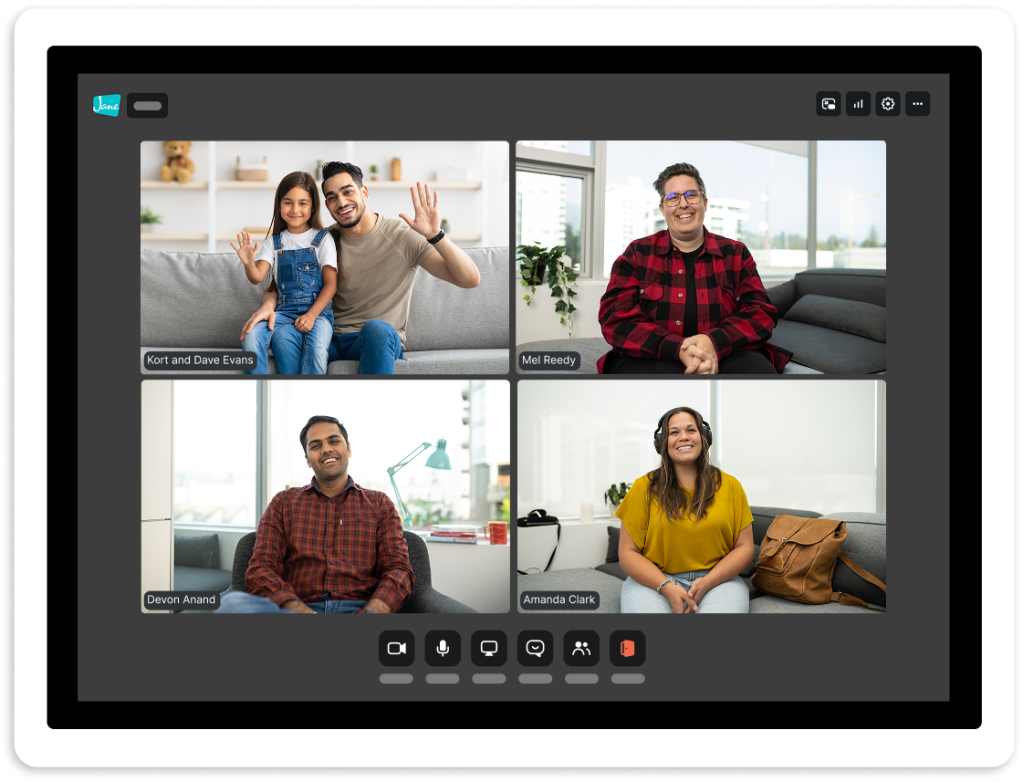
See individual clients, provide support to couples, or bring a whole family into the same session. Jane Telehealth adapts to the kind of care you deliver without adding extra work.
- Optional $15/month add-on for group therapy
- Provide virtual appointment access for up to 15 participants
- No additional setup required for group session patients
Compliance
Provide security your patients can trust
Telehealth appointments are designed to meet clinical privacy standards, so you can offer virtual care confidently, and your patients can join knowing their session is protected.
- Encrypted appointments ensure information is secure
- Compliant with HIPAA, PIPEDA, and GDPR best practices
Testimonials
Loved by 250k+ practitioners
We built Jane to ease the admin load, and practitioners have noticed. With a 4.8-star rating on Capterra and 450+ reviews, Jane is trusted by clinics like yours every day.





Jane has to be the easiest, most technologically-friendly EMR on this planet. It’s cloud-based, so I can access it from anywhere, it’s professional, and the look and feel is just beautiful.
Alessandra Zapata Zobia Health & Aesthetics
Resources
Access thoughtful resources for managing your practice

Article
Online vs. In-Person Therapy: Finding a Balance
How to balance virtual and in-office care, and where telehealth fits into your appointment mix.

Article
The Dos and Don'ts for the Best Telehealth Experience
Practical tips for running smooth virtual visits, from setup to session etiquette and patient experience.

Guide
Getting started with Online Appointments (Telehealth)
Get started with telehealth appointments in Jane with clear steps for scheduling and client access.
Why Jane
Designed for the way you provide care

Less admin, more time
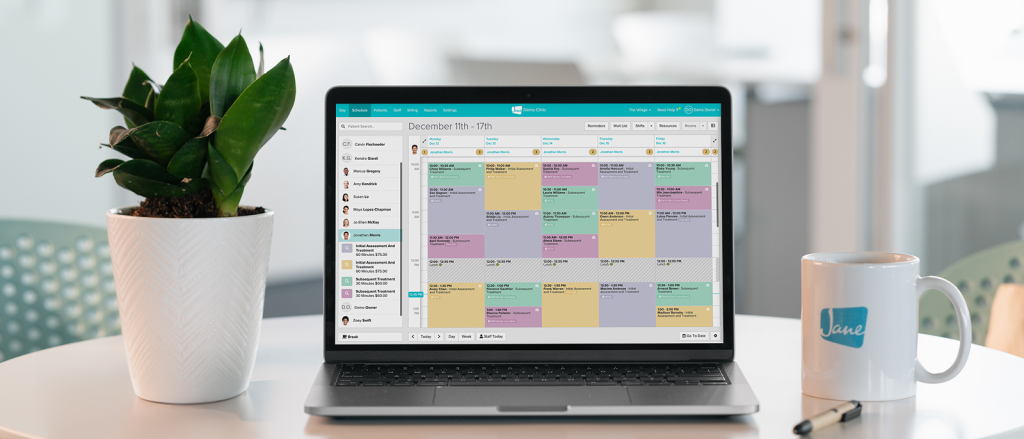
Jane’s all-in-one, easy-to-use software reduces admin so you can focus on doing your most impactful work.
Flexible by design
We know every practice is different. Jane was built to meet the unique and changing needs of your business.

Better patient experiences
Jane makes it easy for patients to keep up with their care, creating great experiences time and time again.

Helpful human support
When you join Jane, you get an expert team and community of helpful people committed to your clinic’s success.
Frequently asked questions
Jane Telehealth makes it easy to run secure video visits right inside your Jane account, so virtual care is connected to your scheduling, charting, reminders, and billing. Sessions are linked directly to appointments and patient records, keeping everything in one place.
Yep, one-on-one telehealth appointments are included at no additional cost with all Jane plans. Group telehealth for couples or families is available as an optional add-on for just $15/month.
Yes. Jane’s telehealth tool is built to meet HIPAA, PIPEDA, PHIPA, and GDPR compliance standards. Encryption and privacy protections are built right in.
Your clients can join via the secure link in their appointment reminder email, patient app, or patient portal up to 30 minutes before the session starts. No downloads, separate accounts, or setup required.
Clients can check out our guide if they need help joining their appointment.
We recommend setting up a dedicated online appointment session type so telehealth visits show clearly in your schedule and patient reminders. It only takes a couple of minutes to create one.
If you’re using our optional AI-powered charting tool, AI Scribe, telehealth sessions can be triggered to record and create detailed notes at the end of your session. Recordings are then securely stored or deleted, based on your preferences.
All you need is a modern browser and a device with a webcam and mic. Updated browsers and sufficient internet speed help ensure quality sessions that run smoothly. You can always enable audio-only mode if your or your client’s internet is weak.
With Jane Payments, you can require full payment, a deposit, or collect card details when a telehealth visit is booked. You can also set up automatic billing after the appointment or send invoices and collect payments manually.
Yes you can. Jane’s telehealth sessions allow for screen sharing and in-chat file sharing during sessions, which can help with client education, resources, or documentation.
For sure. Jane supports group telehealth as an optional add-on for up to 15 participants (ex. classes, couples and families).

Get started
Run your practice with Jane
Ready to make the day-to-day feel easier? Jane is here to help.