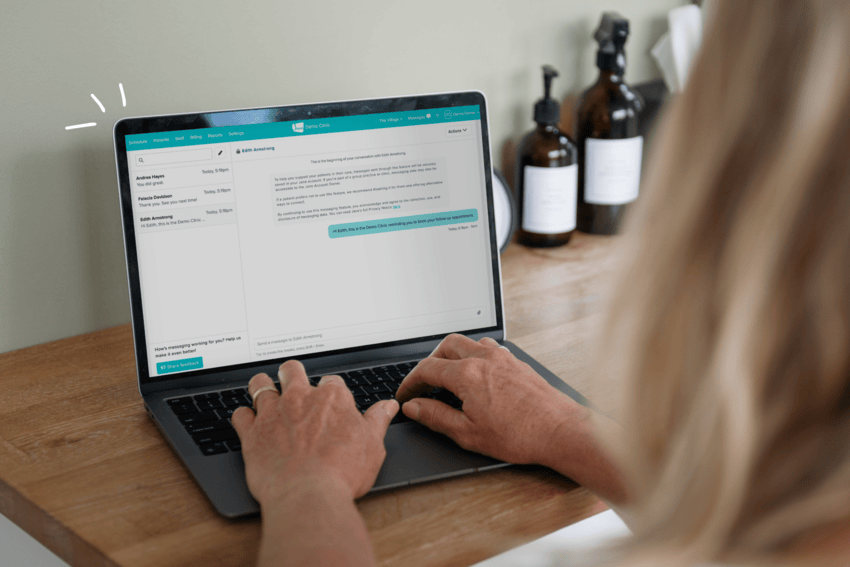
The right physical therapy practice management software and electronic medical record bring scheduling, clinical documentation, billing, and patient communication into one system. So you’re not stitching together separate tools to run your business. The best system is just that: a system that fits how a PT practice runs day-to-day, and grows with it as your needs evolve.
In this post you’ll find:
What to look for in physical therapy practice management software
Advice if you’re anticipating growing your practice
Specific questions to ask as you evaluate different platforms
What should I look for in physical therapy practice management software?
Roni Glassman, a physical therapist from Tennessee, started out as she describes it, “as a one-woman show.” She left her corporate PT job to open her own private practice, started without a dedicated practice management software, and found herself looking for one a few months in. Roni has some tips to share when it comes to assessing physical therapy practice management software, and in this post we’ll share those alongside a few features and workflows PTs will want to keep an eye out for.
Cloud-based software that lets you work from anywhere
Cloud-based software means you can access your account from any web browser. When your access isn’t tied to the one computer that sits in your clinic, you’re able to check a chart from home or confirm a booking on your phone or tablet between patients. There’s huge value in cloud-based software for practitioners looking for the flexibility to work outside of the clinic, or just away from their computer, should they want to.
Roni’s seen the benefit in having cloud-based software since switching to a dedicated EMR. “I used to work for a corporate PT company on a downloadable EMR system, and it dictated my whole day,” she says. “If I wasn’t at that specific computer, I couldn’t do anything work-related. I couldn’t even check my schedule. Now I have access whenever I need it.”
A system that matches how you document
Physical therapy documentation software should meet your specific charting needs and support efficiency.
Many PTs are finding AI Scribes help them work smoothly and save time. An AI Scribes is a tool that records appointments and turns those transcriptions into notes for practitioners to review, edit, and sign. It’s best to look for AI Scribes that are built into the software, are HIPAA, PIPEDA, or GDPR-compliant (depending on your location), allow for customization in the prompt to ensure a quality output, and offer the ability to try the tool out before you commit.
Most importantly, if you’ve booked a demo of software already, ask the team member specifically how the system handles your specific documentation workflow, not just whether it “supports” documentation.
Physical therapy scheduling software that fits how you work
Since PT caseloads are rarely one-off visits, the physical therapy scheduling software you choose should be built to support a plan of care. Look for scheduling that lets you set up recurring visit series and makes rebooking easy for you and your patients.
In the case of recurring visits, appointment reminders are another feature to look out for. Automated reminders take the manual work of having to remind patients off your plate, and they’re helpful for busy patients too. “With the email reminders and the text reminders, my patients are like, oh my gosh, if I hadn’t gotten that text, I wouldn’t have shown up,” says Roni.
Billing that fits how you get paid
For those who bill insurance, work mostly cash-pay, or split between the two, your software should support your billing model. If you see any self-pay patients, the flexibility to easily take payment from those patients matters just as much as claims handling does. What you’re looking for is typically called an integrated payments system.
“I used to take payments on a separate system,” says Roni. “And half the time it wouldn’t work and I’d be like, sorry, can I look at your card? And like manually put in the number. And it was just so awkward.” A system that lets cash-pay patients keep a credit card on file makes payments simple for them and for you.
A patient experience that makes it easy to start and stay
You provide great care to your patients, so it’s important that your software feels like an extension of that care. The software you choose should help your patients book, manage their appointments, and rebook without friction, because a patient who struggles to schedule is less likely to stick with you or refer someone else.
The features you’ll be looking for are things like: online booking, a messaging system for easy and secure communication between appointments, and treatment reminders.
Support that’s there for you
Some platforms lean heavily on automated tools or gate support access behind their most expensive plans. However, when something goes awry, there’s really no replacing a person to chat with. When assessing your software options look at what channels support is offered on, if it’s human or automated, and if it comes at an additional cost.
Tip: before you choose a software, inquire about the onboarding support offered. If you’re coming from pen and paper charting, or a different system, how do they handle bringing that information over?
Pricing that grows with you
Your practice won’t look the same in three years as it does now. Choose a software that embraces that change with pricing that scales with your business. Think: part-time practitioner pricing and features that you can add-on as needed to accommodate multiple practitioners and their individual workflows.
Tip: if you’re a solo practitioner now, run the numbers to see what your software cost would look like if you hired an additional practitioner. Check the cost for bringing on someone part time vs. full time and see if that feels scalable to you.
What should I ask about before I make a switch?
Think of choosing a new software as an interview!
When you book a demo or reach out to a company for more information, you get to ask about everything that’s important to you, the way you work, and the way your clinic runs.
So, here are some sample questions to ask as you select physical therapy practice management software.
Q: Where do diagnosis and procedure codes get saved?
Diagnosis and procedure codes can typically go in a few places: a chart note, the billing tab of a clients’ profile, or in the clients’ insurance policy. Some software options will also offer treatment-specific CPT codes, which automatically attach default procedure codes to a treatment when it gets booked.
Billing workflows are a great thing to demo and see in action before you land on a software to ensure the flow supports your business model.
Q: How do you create a superbill for cash-pay or out-of-network care?
A superbill is the itemized receipt a patient submits to their insurer for reimbursement when you’re not billing insurance directly. A typical flow typically allows you to generate a superbill once your billing codes have been added.
Q: Does the system have templates for personal injury intake and other injury-related claims?
If you treat personal Injury cases, as an example, you’ll know these carry their own documentation requirements. Building that documentation from scratch can take time. Ask if the software you’re assessing has a Template Library you can borrow with templates built by fellow practitioners in your discipline. This means you’re not starting your documentation from scratch.
Q: Does a card on file apply to existing patients booking new appointments, or just new ones?
Many practitioners want a system where the card-on-file requirements carry across a patient’s full course of treatment, not just their first visit. Check how cards are added, how payment is taken, and if there are notifications when a card is nearing expiry.
The short version
Physical therapy practice management software is worth the switch when piecing together separate tools for scheduling, charting, and billing starts costing you more in time than it saves in monthly fees.
If you’re in the market for your first system (or a new system) Jane is a practice management software and EMR used by over 240,000 practitioners worldwide. If you’d like to learn more about Jane check out our features or book a demo, the team would love to show you around.
FAQ
What is physical therapy practice management software?
It’s software that combines scheduling, clinical documentation, and billing into one system built for PT practices, replacing the separate tools many clinics start with. Most also include online booking and payment processing, so patients can book and pay without a phone call.
What should physical therapy documentation software include?
At minimum, it should let you chart efficiently, schedule patients, and access records from anywhere, not just one office computer.
What is a superbill, and does physical therapy software generate one?
A superbill is an itemized receipt that patients submit to their insurance company for reimbursement. The ability to generate a superbill varies by system, so it’s worth confirming if you see any out-of-network or cash-pay patients.
Am I able to keep a credit card on file with practice management software?
This will depend system to system. Check their features page to see if payments are accepted, how they’re processed and what you’ll be charged in fees.