Scheduling
Keep your day organized and productive
Manage appointments, staff schedules, and clinic logistics in one place so you always stay one step ahead.
Overview
Scheduling that never slows you down
Jane gives clinics one shared source of truth for appointments, staff, and locations, helping teams stay aligned and focused throughout the day.
Here’s what sets Jane’s scheduling apart:
- One shared schedule for appointments, staff, and locations
- Real-time updates to keep practitioners and patients in sync
- Visibility into what’s happening now and what’s coming next
- Secure, compliant, and built for healthcare professionals
Benefits
Stay on track with modern scheduling that fits your clinic
Jane’s scheduling tools are designed to reduce friction for front desk teams and practitioners while supporting clinics as they grow and evolve.

Clarity
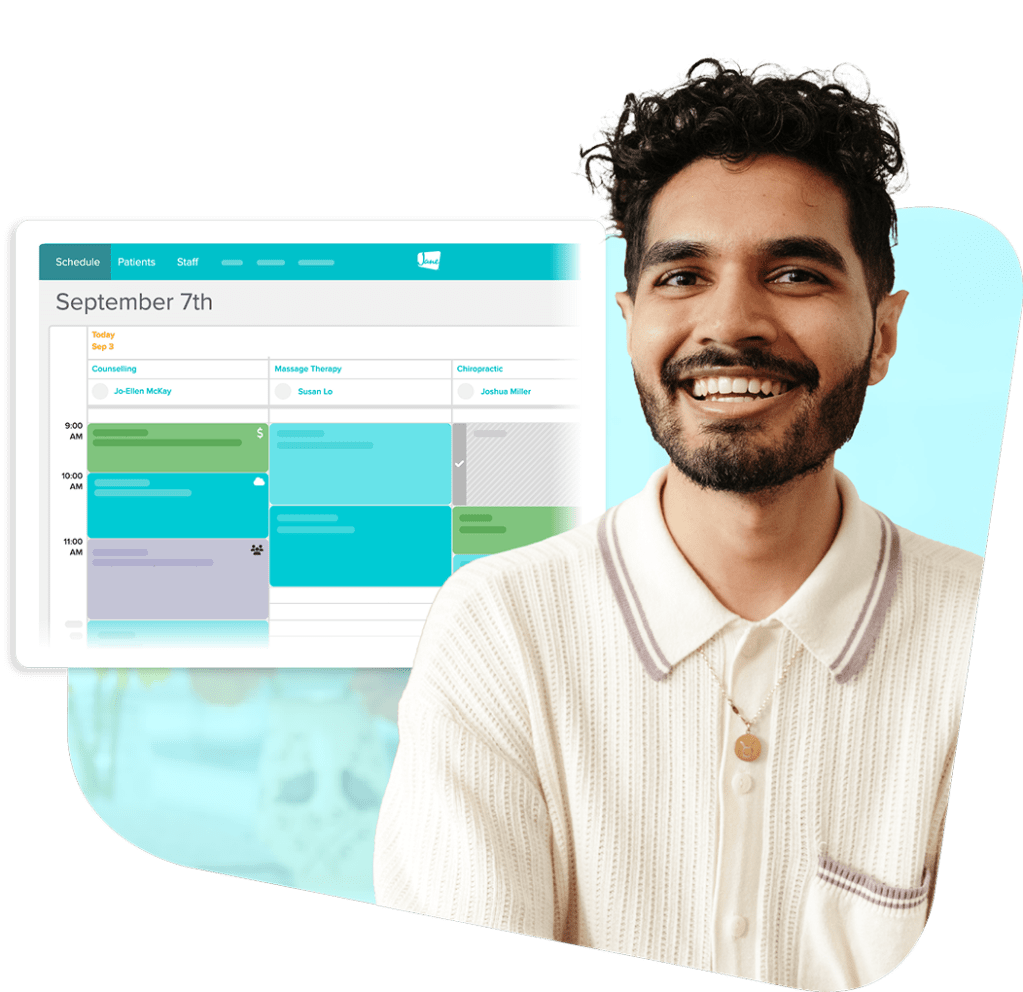
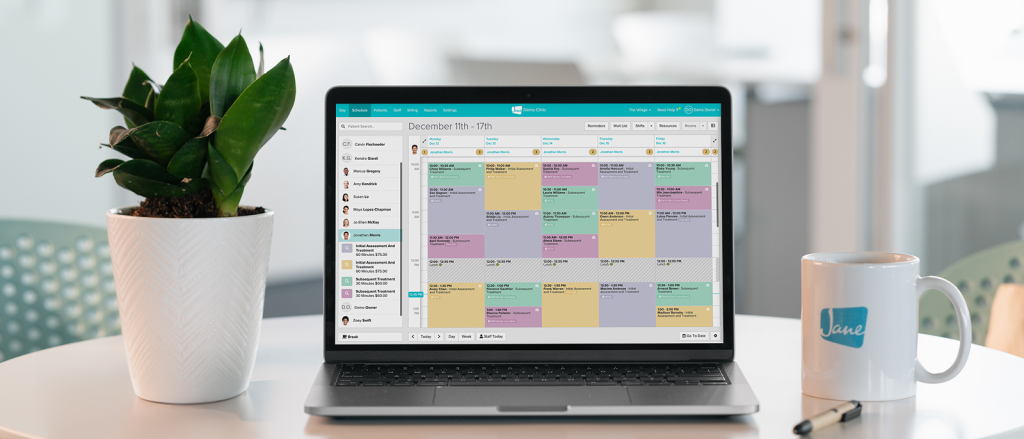
See your entire day at a glance
With Jane, clarity comes standard. Get instant visibility into what’s happening, who’s coming in, and what needs attention.
- Organize appointments with colour-coding and status indicators
- See appointment details and notes directly from the calendar
- Get real-time updates so everyone is always up to speed
Flow
Easily book and adjust appointments
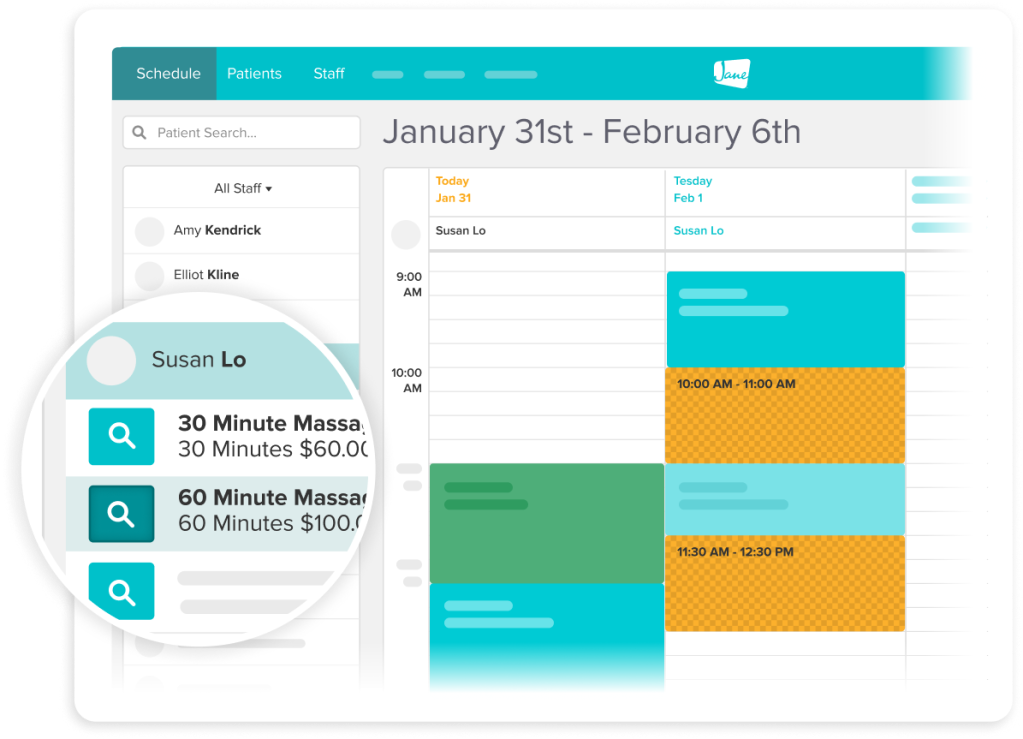
Scheduling tasks shouldn’t pull you away from care. Jane helps your team handle changes quickly and keep the day moving.
- Book faster with availability suggestions and time-slot highlighting
- Drag and drop rescheduled appointments and make edits easily
- Find information quickly with patient search and keyboard shortcuts
Coordination
Keep teams, rooms, and locations aligned
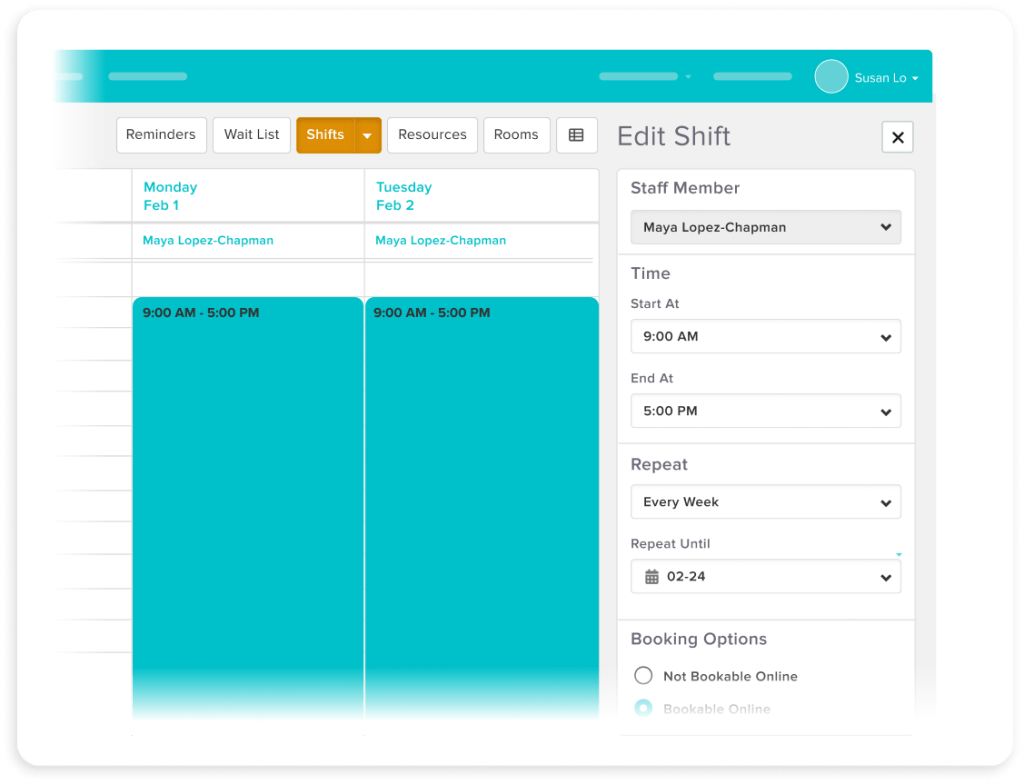
Jane keeps staff availability, shifts, and locations organized in one system so as your clinic grows, your schedule stays clear.
- Manage practitioner shift hours & vacation time in one place
- Toggle between multiple locations in just two clicks
- Customize staff permissions so the right people see the right details
Flexibility
Built for the way you deliver care
Whether you’re seeing one patient at a time or managing a full class, Jane shapes your schedule around how you work.
- Offer individual sessions, group appointments, and classes
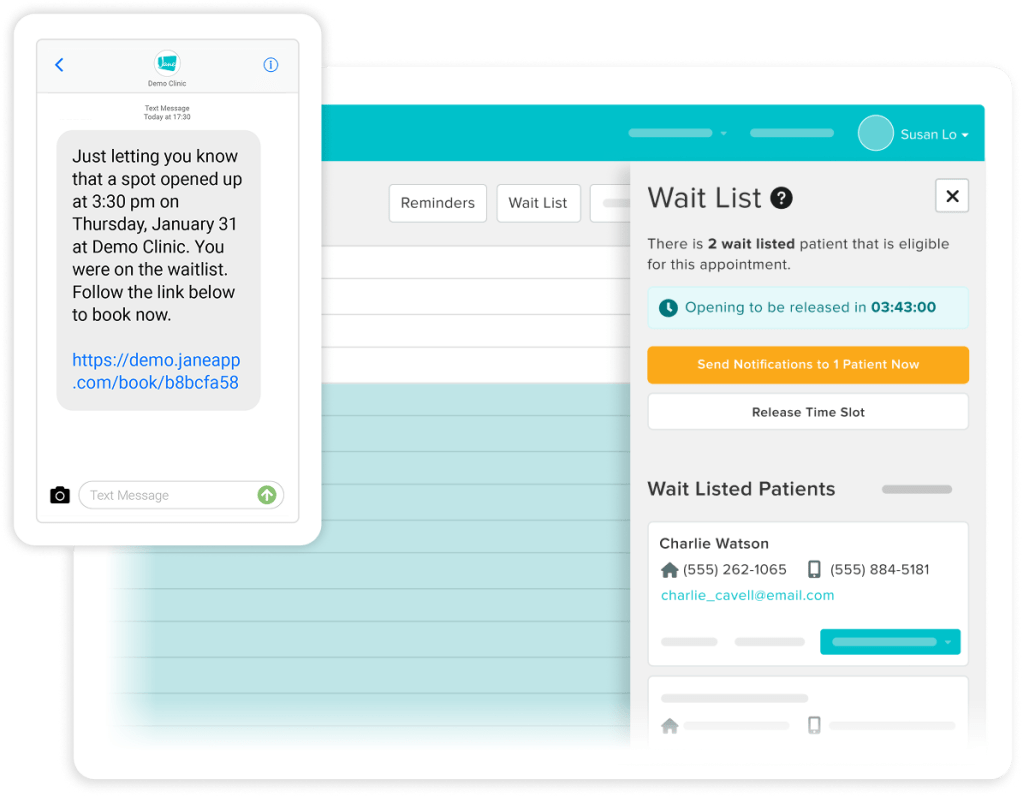
- Turn cancellations into new appointments with automated waitlists
- Support in-person and virtual appointments right in Jane
Readiness
Walk into every visit prepared
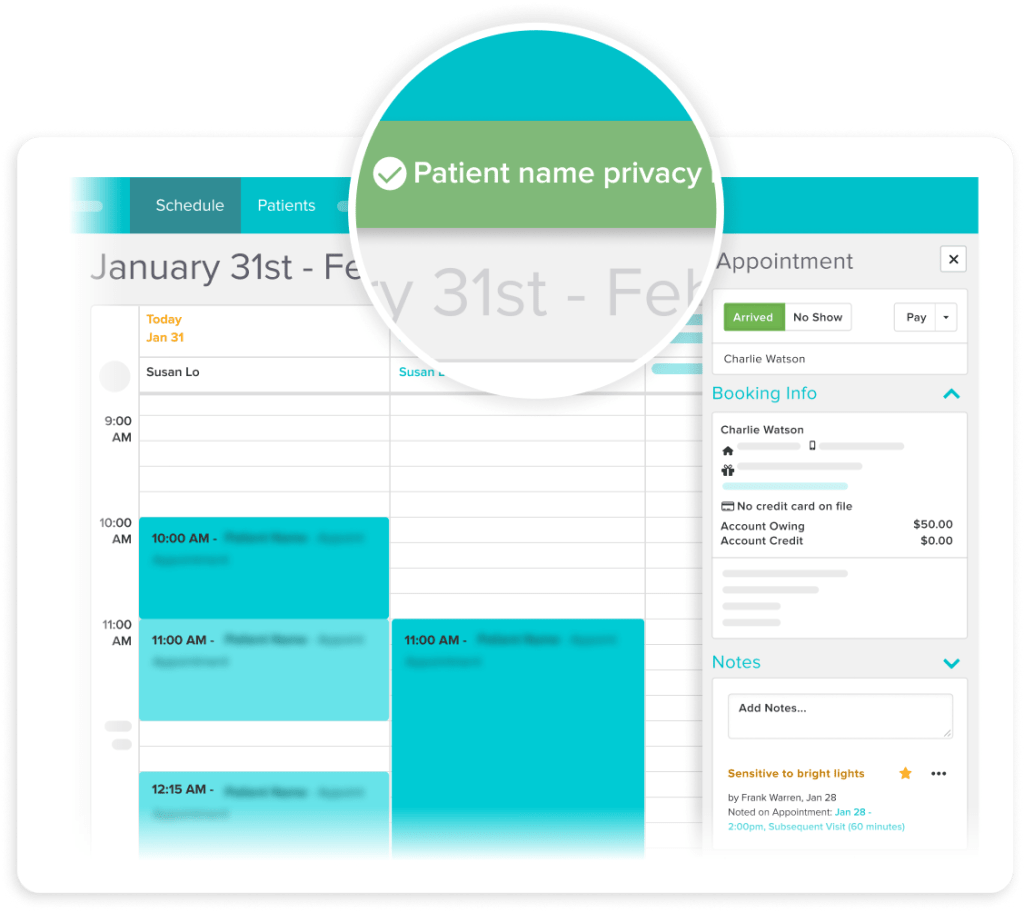
With patient history and financial details accessible right from the schedule, you can keep appointments running smoothly.
- View no-show history and outstanding balances before check-in
- Quickly reference recent visits when booking follow-ups
- Add internal notes that carry forward to support continuity of care
- Turn on Privacy Mode to hide names on your schedule and patient list
Testimonials
Loved by 240k+ practitioners
We built Jane to ease the admin load, and practitioners have noticed. With a 4.8-star rating on Capterra and 450+ reviews, Jane is trusted by clinics like yours every day.




Resources
Access thoughtful resources for managing your practice

Tutorial
Complete Schedule Overview
Follow along with a step-by-step overview of Jane’s scheduling features and how to use in your day-to-day.

Guide
Jane’s Scheduling Basics
Learn the basic schedule navigation tools, display settings, and how to work with viewing staff members on the schedule.

Podcast
How to Bring Calm to Your Clinic’s Front Desk
Simplify scheduling and reduce front desk chaos. Keep your clinic running smoothly.
Why Jane
Designed for the way you provide care

Less admin, more time
Jane’s all-in-one, easy-to-use software reduces admin so you can focus on doing your most impactful work.

Flexible by design
We know every practice is different. Jane was built to meet the unique and changing needs of your business.

Better patient experiences
Jane makes it easy for patients to keep up with their care, creating great experiences time and time again.

Helpful human support
When you join Jane, you get an expert team and community of helpful people committed to your clinic’s success.
Frequently asked questions
Yes. Practitioners, rooms, and locations all live under one account, so you're not juggling separate logins or systems as your clinic grows.
Online booking pulls directly from your live availability, so patients only ever see time that's actually open. Buffers, notice periods, and booking limits are all respected automatically. And double booking isn't something you need to worry about. You set the rules; Jane handles the rest.
Yes. Arrivals, no-shows, and schedule changes all update in real time, so whoever's at the front desk is always looking at the same picture as the practitioners in the back.
Yes. Jane handles 1:1 visits, group sessions, and classes. If you're running a program where multiple clients book into the same time slot, that works too.
You decide what each person on your team can see and do. Front desk staff can manage bookings without touching clinical notes. Practitioners can view and update their own schedules. Owners get visibility across all locations and reports. Sensitive information stays protected without slowing anyone down.
Yes. Your Jane schedule can sync with external calendars to keep double booking off the table. You can also pull in events from your personal Google Calendar, so any blocked time shows up in your availability automatically.
Yes, and that connection is most of the value. When an appointment is booked, Jane can automatically send intake and consent forms, trigger email and SMS reminders as the date approaches, and handle payment when the visit wraps up. Everything ties back to the patient profile, so your team has the context they need without having to go looking for it.

Get Started
Run your practice with Jane
Ready to make the day-to-day feel easier? Jane is here to help.